
Trade CSGO Skins on CSGO-Skins Safely
Want to trade CSGO skins without second-guessing every step? On CSGO-Skins, item swaps run through the Exchanger, one of the site’s built-in skin modes. This page explains how trading may work, what to check before you confirm a trade, and how to protect your items from fake offers, phishing links, and rushed decisions.
A CSGO skins trade should never feel like something you need to approve in seconds. Before you move or exchange items, look over the skin name, value, fees, limits, and current platform rules. If anything looks wrong, stop before confirming.
CSGO-Skins is run by V&X Limited and has been online since 2015. Trade availability, accepted items, and account rules can change, so confirm the live details on site before you start.
What Is CS Skin Trading?
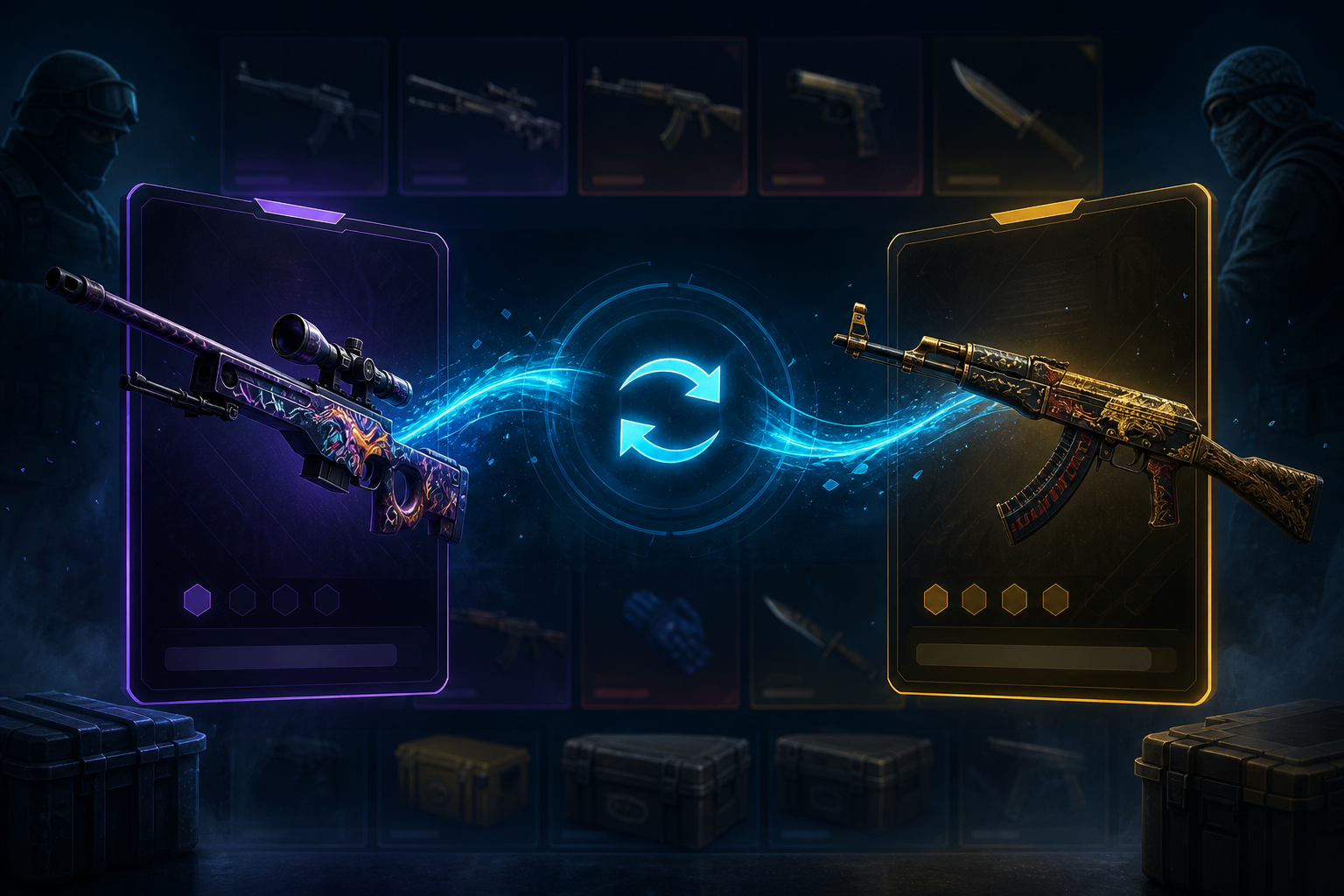
A CSGO skins trade means exchanging one Counter-Strike item for another or moving skins through a platform feature that supports it. Skins are cosmetic items. They change how weapons look, not how they perform in the game.
Still, many skins carry real or perceived value. Rarity, condition, demand, and market activity can all affect the price. A skin may be worth more one week and less the next, so every trade deserves a proper check.
People trade skins for different reasons. Some want to tidy up an inventory. Others want a specific finish, a cleaner-looking item, or a better fit for their collection. Some users also trade before using other platform features. Whatever the reason, the same rule applies: review the item and value before you approve the exchange.
CSGO-Skins Trade Summary
Exchanger Case Visuals
Here is the trade side of CSGO-Skins at a glance. Confirmed platform details are listed; terms that may change should be checked on the live site.
| Trade detail | Information |
|---|---|
| Platform | CSGO-Skins, run by V&X Limited since 2015 |
| Trade feature | The Exchanger, a built-in skin-swap mode |
| Supported skins | CS2 items, with accepted items set by current platform rules |
| Fees | Verify in the current terms before confirming |
| Processing time | Check on site before assuming a trade will be instant |
| Trade limits | Set by current rules |
| Account verification | May be required depending on account status and platform rules |
| Support | Ticket system and info@csgo-skins.com |
| Safety note | Follow only official CSGO-Skins instructions |
This summary provides a quick overview of the CSGO skins trade setup, but the Exchanger screen and current terms should be your final reference before you approve anything.
How to Trade CS Skins on CSGO-Skins
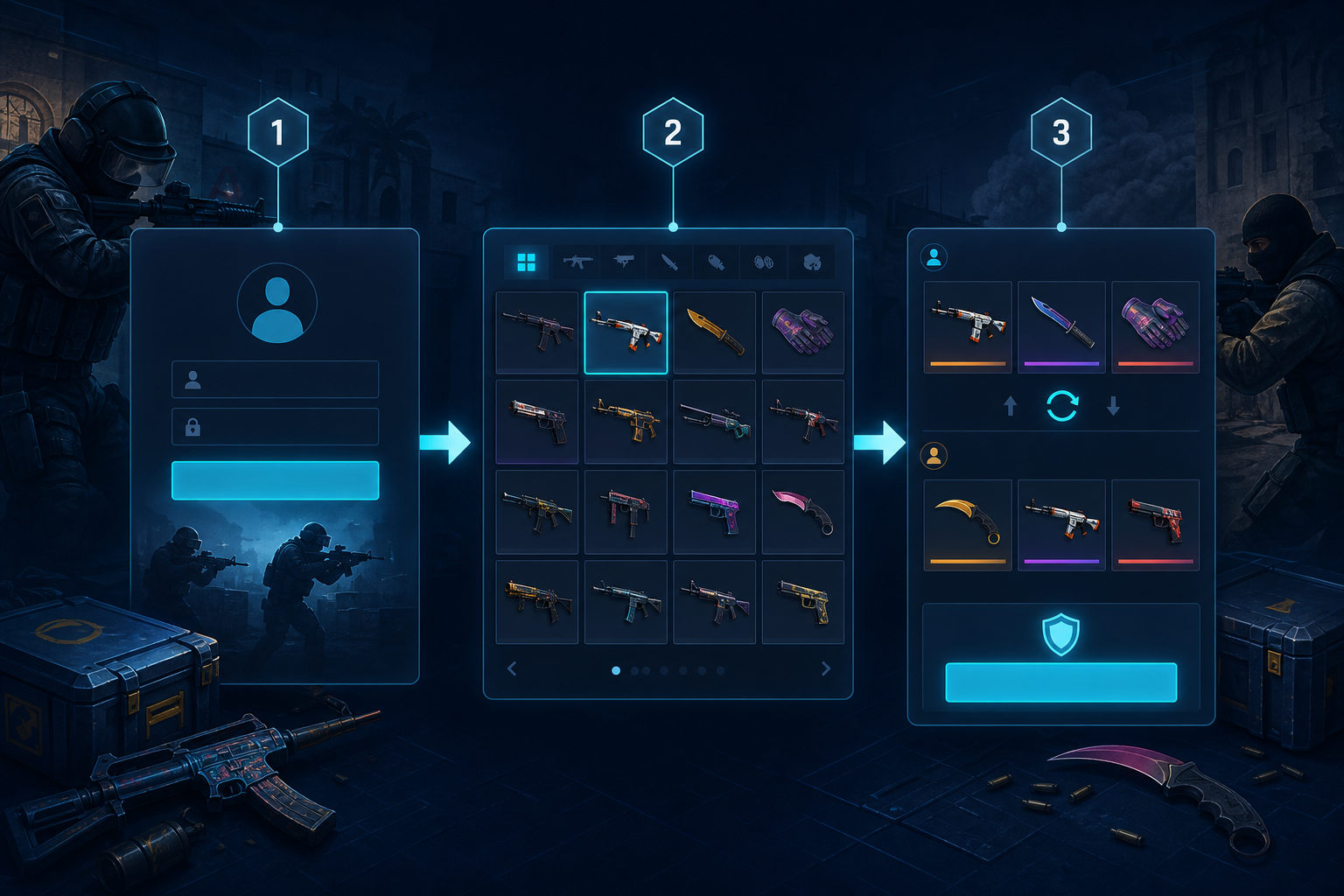
Not sure how to trade CSGO skins on this platform? The steps below show the general flow. The exact screens can change, so follow the live site if the interface looks different.
- Open the official CSGO-Skins website at csgo-skins.com
- Log in to your account if you are eligible
- Go to the Exchanger or another current skin-swap area
- Pick the items you want to trade from the supported list
- Review each item name, quality, condition, and value
- Check any fees, limits, or restrictions before going further
- Confirm the trade only through the official on-site flow
- Wait for the trade to process
- Open your inventory, balance, or trade history to confirm the result
- Contact official support if the trade is delayed or incorrect
The safest answer to how to trade CSGO skins is simple: stay inside the official platform flow. Do not approve a trade because someone in a DM, Discord chat, Telegram message, or fake support account tells you to hurry.
If a page sends you away from the real site or asks for sensitive account details, stop there.
What “Trade Skins CSGO” Means
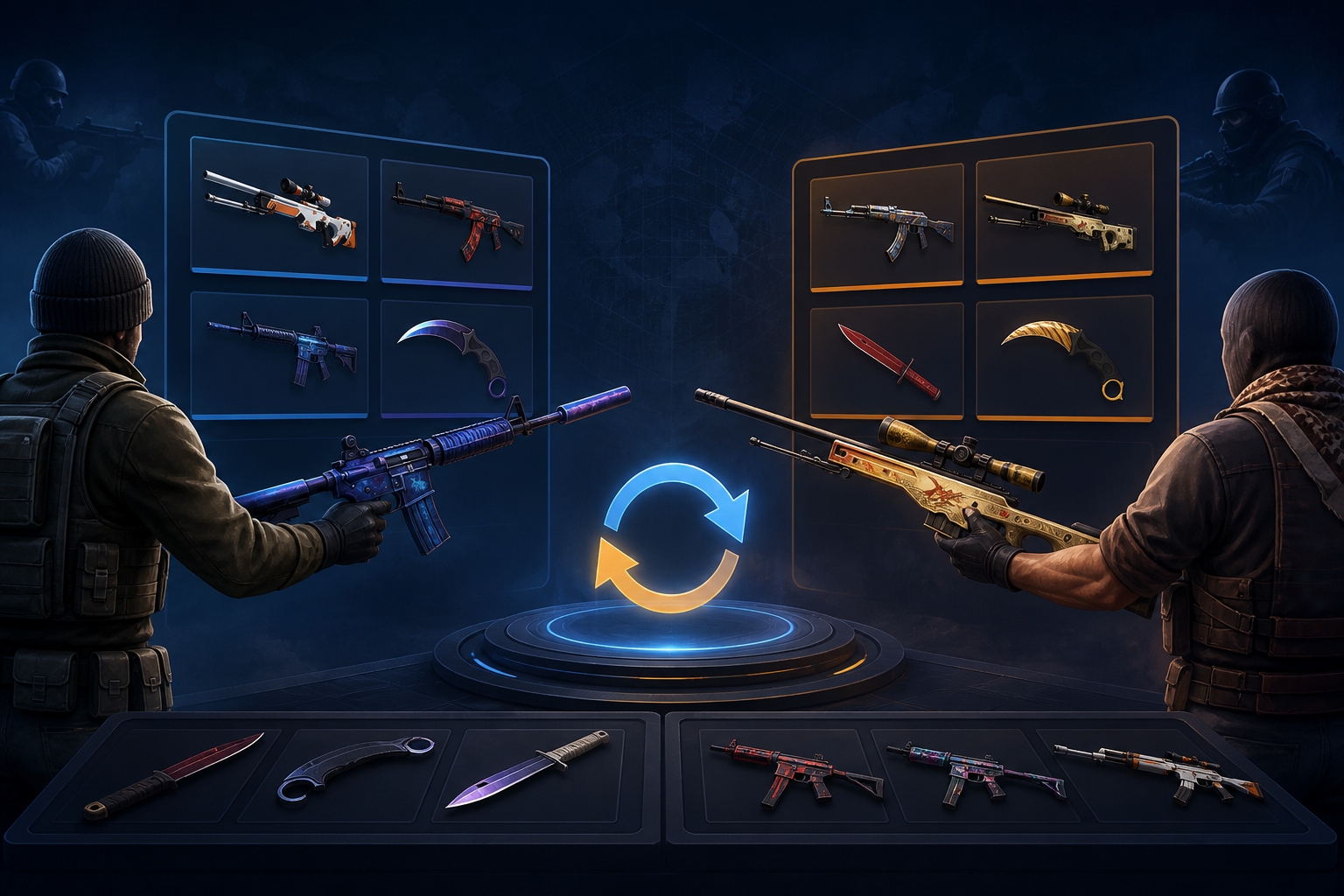
Search boxes are full of odd phrasing. Some users type "trade skins CSGO” when they are looking for a place to swap Counter-Strike items. Others search for skins, which points to the same intent.
In natural English, the phrase is “trade CS skins.” The wording does not change the process. You still need to use the official trade flow, check item values, and confirm only when the trade details match what you expected.
Awkward search terms are common in this niche, but scammers also target rushed searches. Be careful with ads, fake landing pages, and links shared through private messages.
CSGO-Skins Trade vs Deposit
Trading and depositing both involve skins in some cases, but they do different jobs. Mixing them up can lead to mistakes.
| Feature | Trade |
|---|---|
| Deposit | Main purpose |
| Swap or move skins through the Exchanger | Add funds or skins to your account balance |
| User action | Select items and confirm the swap |
| Add value to the account from a supported method | What to review |
| Item name, shown value, fees, fake offers, confirmation details | Payment method, deposit limits, fees, eligibility, processing |
| Methods | Supported CS2 items through the Exchanger |
| Cards, wallets, crypto, gift cards, or pay by skins if available | Result |
| Your inventory or item value may change | Your account balance may update |
Skin Value, Fees, and Trade Limits
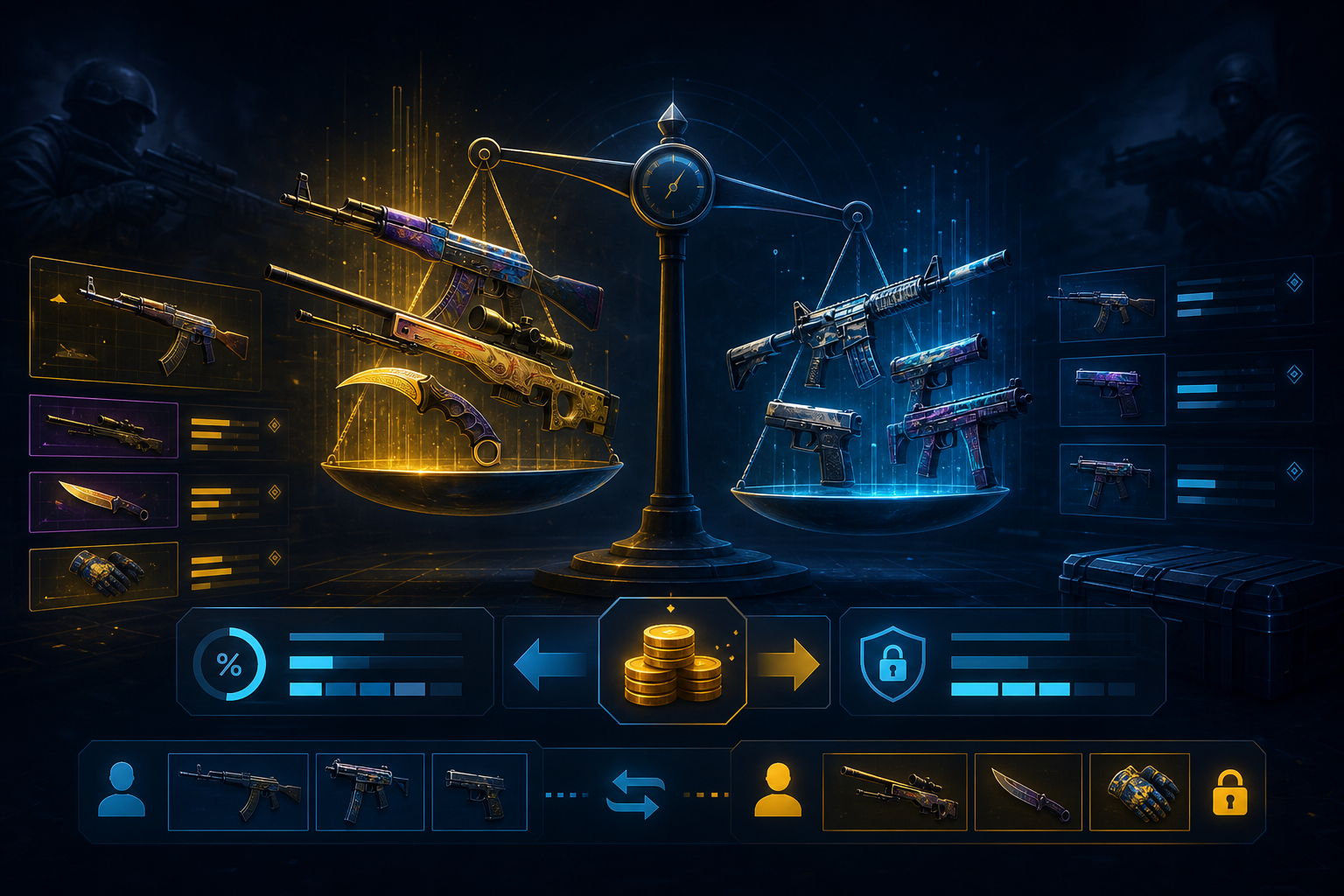
Before you agree to anything, take a close look at the numbers. A skin’s value can move with market demand, rarity, condition, and current platform valuation rules.
The value you expected may not be the value shown during the trade. That does not always mean something is wrong, but it does mean you should slow down and review the details. Users who search for CSGO trade skins often look for a quick swap, but the final item value matters more than speed.
Before confirming, check:
- The exact skin name and finish
- The wear level or condition
- The value shown on the trade screen
- Any fee shown before approval
- Any minimum or maximum trade rule
- Whether the item is accepted by the Exchanger
- Whether your account needs verification
- Whether the trade is available in your region
Do not confirm a trade you do not understand. If the item list, value, or final screen looks different from what you selected, cancel and check again.
Trading Safety Checklist
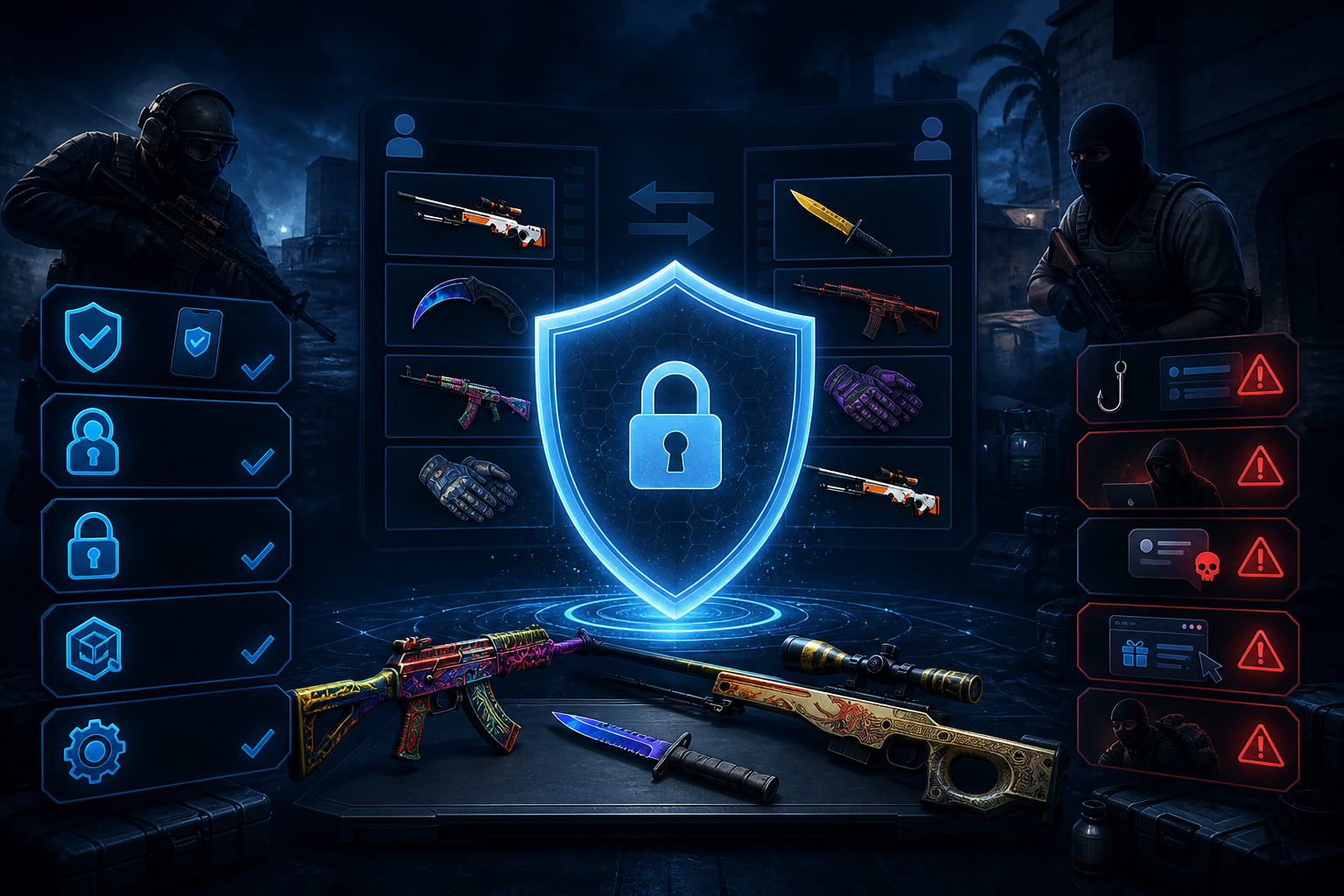
Many avoidable trade losses come from scams, fake links, or rushed confirmations. A safe CSGO skins trade starts before approval.
- Use only the official CSGO-Skins website
- Check the URL carefully before logging in
- Avoid trade links from DMs, ads, Telegram, Discord, or fake support accounts
- Ignore unofficial trade bots and private “support” profiles
- Verify every item name before you confirm
- Compare the shown value with what you expected
- Check fees and limits before approval
- Never share your password with anyone
- Never share 2FA codes, even if someone claims to be support
- Keep your Steam credentials private
- Do not share wallet keys, seed phrases, API details, or account access
- Be careful with browser extensions and third-party tools
- Keep trade IDs, screenshots, or confirmation details if the site provides them
A scammer does not always need to break into your account. Sometimes they only need you to approve the wrong item transfer. A few extra checks can protect your inventory.
What to Do If a Trade Is Pending or Failed
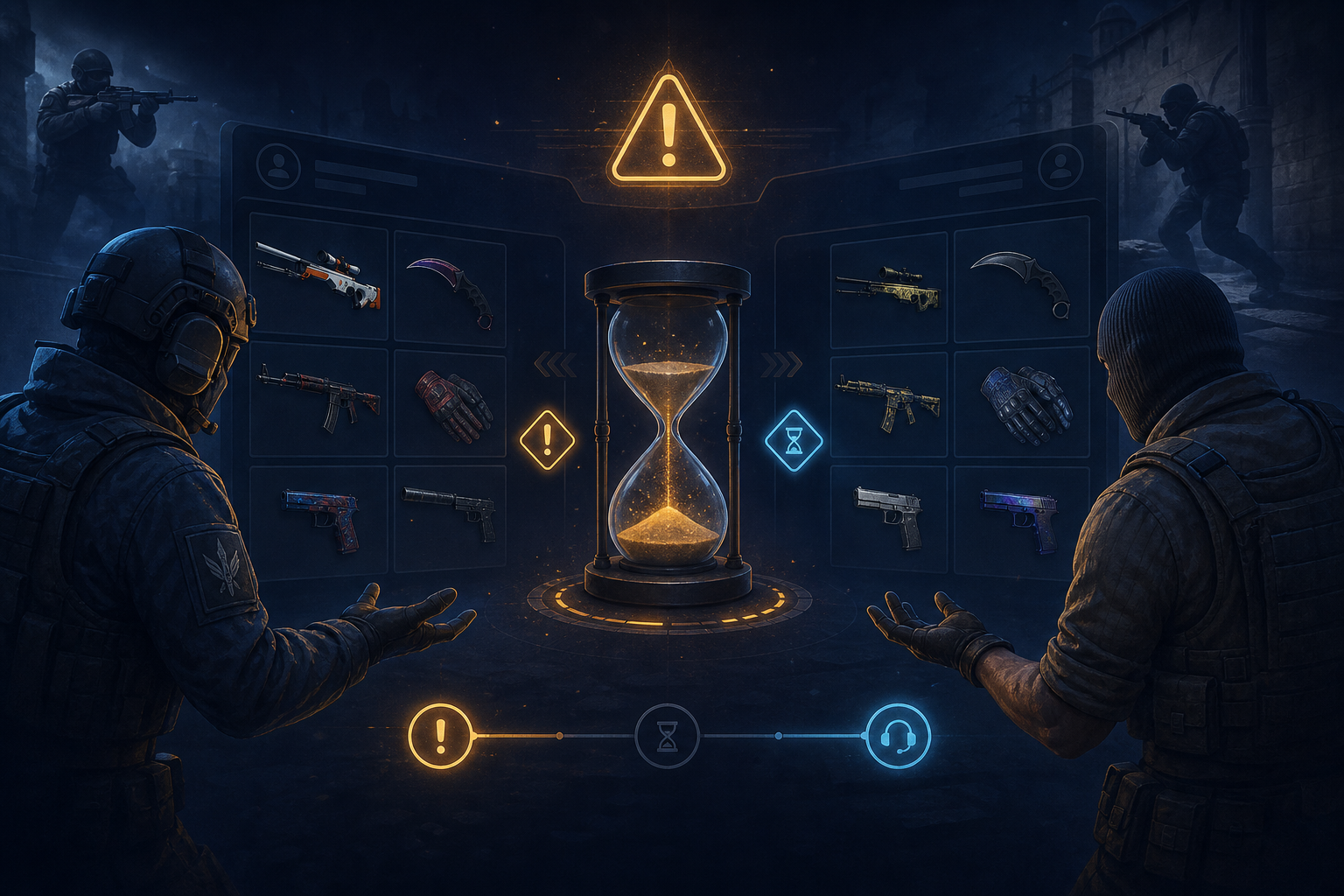
A pending trade does not always mean something is wrong. Start with the basic checks before you panic.
Open your trade history and look at the current status. Check whether the trade is pending, completed, failed, canceled, or awaiting confirmation.
Then check your inventory or balance. Make sure the item is still there, or see whether the account has updated after the exchange.
A CSGO-Skins trade may be delayed because:
- The trade is still processing
- The final confirmation was not completed
- The selected item is no longer available
- Account verification is pending
- A platform check is still running
- The trade feature is restricted in your region
- A limit or rule blocked the exchange
- The trade record has not updated yet
If the issue does not clear, contact CSGO-Skins through official support. Use the ticket system or the support contact shown on the official site. Share safe details only, such as a trade ID, screenshot, or time of the transaction.
Never accept help from unofficial support profiles. Do not send passwords, 2FA codes, Steam login details, wallet keys, or API information to anyone.
Trading Skins and Responsible Gambling
Skins can have real or perceived value. If you trade them and later use them for cases, case battles, upgrader play, betting, or other chance-based features, you can lose them.
Trading itself does not guarantee profit. Item prices can change, and platform rules may affect what you can do with a skin after the exchange.
Before trading skins
| Why it matters | Set a value limit |
|---|---|
| Know how much item value you are comfortable moving | Avoid pressure trades |
| A rushed trade is easier to get wrong | Be careful with rare skins |
| Losing a valuable item can feel like losing money | Separate trading from gambling |
| A trade is an item exchange, while gambling involves chance | Check age and local rules |
| Gambling-related features are only for adults where allowed | Do not chase losses |
| A bad result is not a reason to risk more skins | If a skin has personal value to you, keep it away from gambling-style features. Treat skins as items you can lose, not as a way to make income. |
CSGO-Skins Trade FAQ
How do I trade CS skins on CSGO-Skins?
If you are checking how to trade CSGO skins, start on the official CSGO-Skins site. Log in, open the Exchanger, choose the items you want to swap, review the item names and values, then confirm only through the on-site steps.
What does “CSGO skins trade” mean?
CSGO skins trade means exchanging or moving Counter-Strike skins through a supported trade feature. On CSGO-Skins, users should check the Exchanger and current platform rules before confirming any item swap.
What does “trade skins CSGO” mean?
Trade skins CSGO is an awkward search phrase. Most users mean “trade CS skins” or “use a CSGO-Skins trade feature.” The steps and safety checks stay the same.
What does “CSGO trade skins” mean?
CSGO trade skins points to the same idea: trading Counter-Strike skins through a supported system. The natural phrase is “trade CS skins,” but the safety rules do not change.
Are CSGO-Skins trades instant?
Not always. Processing time can vary by trade flow, account status, verification, item checks, and platform rules. Check the live site before assuming a trade will be instant.
Why is my trade pending?
A trade may be pending because the final step was not completed, verification is required, an item check is still running, or the trade record has not updated yet. Check your trade history first, then contact official support if needed.
Can I lose skins while trading?
Yes. Fake offers, phishing links, wrong confirmations, and shared account details can put skins at risk. Verify every item and never hand over your login. That reduces the biggest avoidable risks.
Is trading the same as depositing?
No. Trading swaps items through the Exchanger. Depositing adds funds or skins to your account balance. Betting, case opening, and upgrader play are separate because they involve chance-based outcomes.
Skins can carry real or perceived value, and trading or gambling with them involves risk. Only adults of legal gambling age should use gambling-related features where local law allows them. Never trade or gamble items you cannot afford to lose. Check local laws and platform terms before you start. If gambling stops feeling fun or becomes hard to control, seek help.